Documentation
Everything Diffy does, what each button and message means, and where the Free and Pro editions differ. Written to be read in order the first time and searched afterwards.
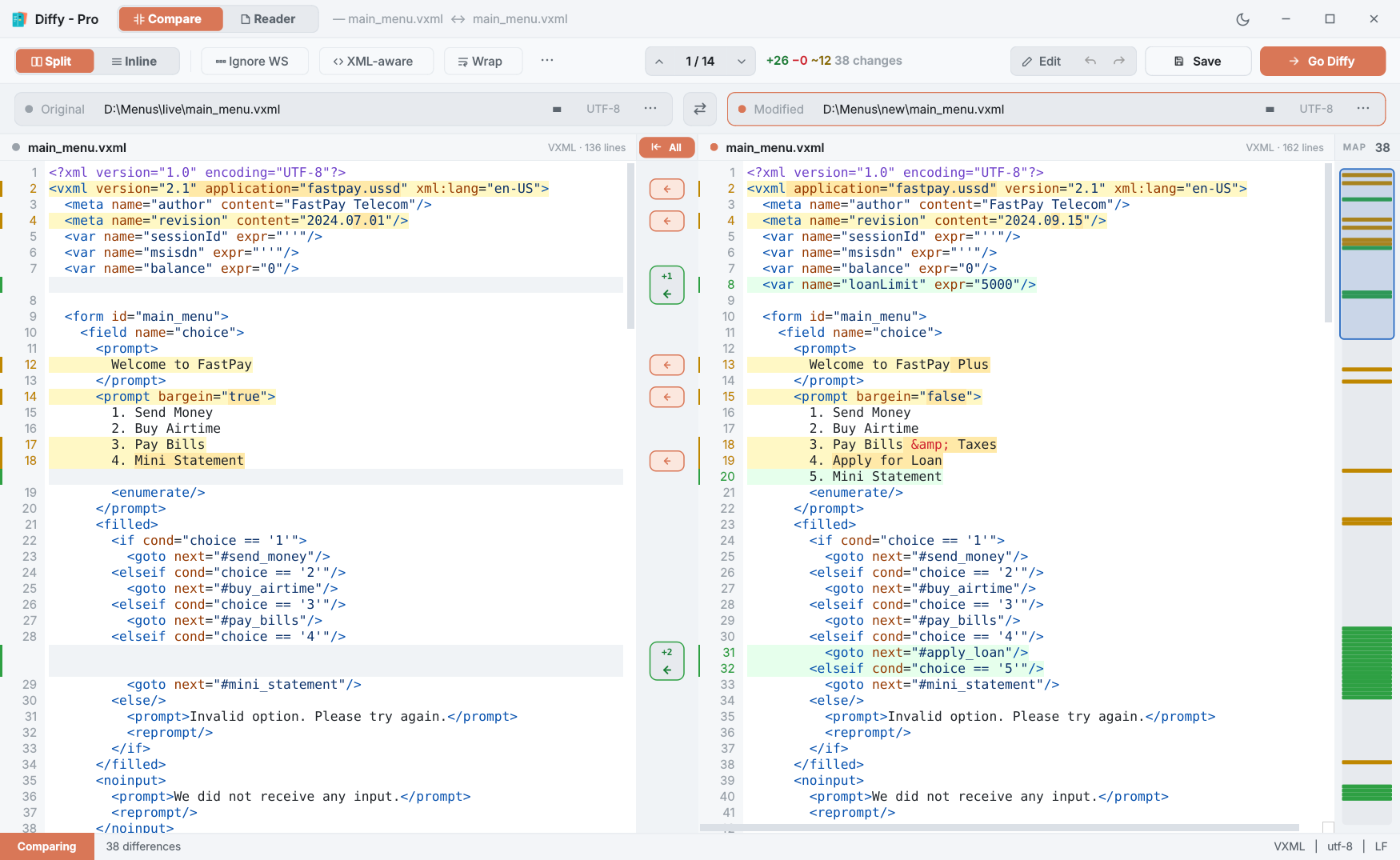
Diffy is a file comparison tool for Windows. It puts two files side by side, highlights every line that changed and the exact words inside it, and lets you fix things in place. Diffy Pro adds merging, a Reader for Markdown, HTML, PDF and code, XML-aware comparison, image compare, and HTML and patch exports. Like everything we make, it sends nothing back to us: no account, no analytics, no licence check.
New here? Read Installing & first compare and The Compare screen. That is about ten minutes and covers most of what people use every day.
Start here
Working with changes
Pro tools
Reference
What this version cannot do
It is more useful to know the edges now than to discover them later:
- Two files at a time. There is no three-way merge (base, mine, theirs) yet, so Diffy works as git's difftool but not as its mergetool.
- Files, not folders. Comparing two whole folders is not in 1.0.
- Word, Excel and PDF are not compared as documents. Diffy compares text. A PDF opens in the Reader to read, not to diff.
- Windows x64 only, from the Microsoft Store.
Getting help
If something here is wrong, unclear or missing, that is worth telling us — write to support@redicon.pk. A person reads every message; allow a working day. Including the version from ⋯ → About saves a round trip.