Image compare Pro
Pick two images and the text panes give way to a picture view with four ways of looking at what changed.
Choose the images exactly as you would text files — drop them onto the panes, use the pickers, or Compare in Diffy from File Explorer. PNG, JPEG, BMP, GIF, WebP, TIFF, ICO, TGA and the other common formats are recognised by their extension. SVG is compared as text, because it is markup, and XML-aware works on it.
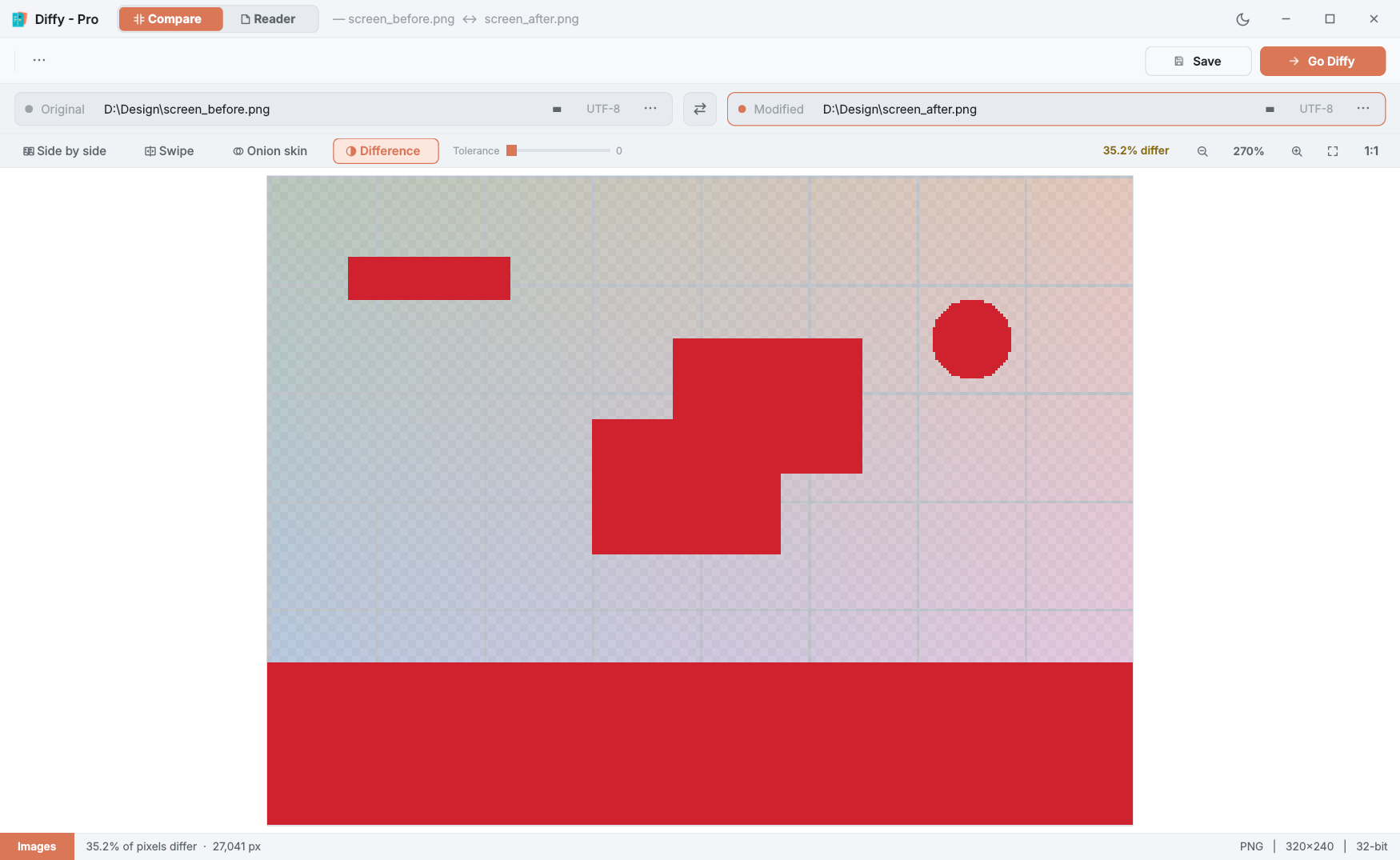
The four modes
| Side by side | The two images next to each other, sharing one zoom and position, so they cannot drift apart as you pan. |
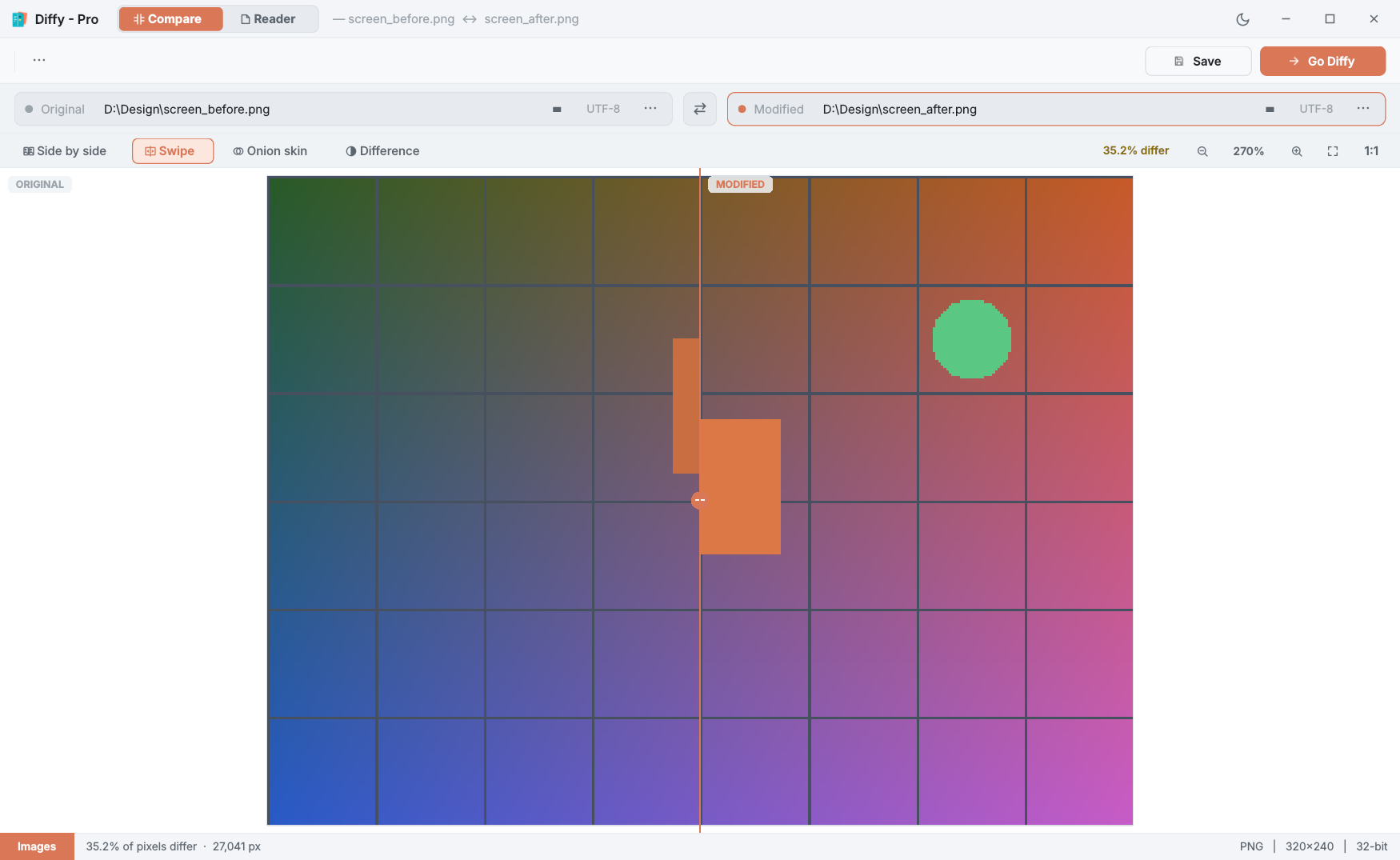
| Swipe | The images stacked, with a divider you drag across to reveal the Modified one. |
| Onion skin | The Modified image faded over the Original with a slider. Anything that moved shows as a ghost. |
| Difference | The Original dimmed, with every pixel that differs painted red. The bar shows what share of the pixels differ. |
Tolerance
JPEG compression and anti-aliasing make pixels differ slightly even when nothing really changed. In Difference mode, the Tolerance slider (0 to 64) ignores colour differences up to that amount, so only real changes stay red.
Zoom and position
Scroll the mouse wheel to zoom around the pointer, and drag to pan. The bar has zoom out and in, fit to window (or double-click the picture) and 1:1 for actual size; Ctrl++, Ctrl+− and Ctrl+0 (fit) work too. ⋯ → Image zoom on load decides whether a new pair opens at 100% or fitted to the window.
Hover over the picture and the status bar shows the pixel's coordinates and its colour in both images.
Images of different sizes
Diffy never stretches an image. Two images of different sizes are lined up at the top-left corner, compared where they overlap, and the extra area is flagged rather than rescaled. Very large images — above about 64 megapixels — still show in every mode, but the Difference mask is skipped.
More
- Re-saved images re-compare by themselves. Export the image again from your design tool and Diffy picks up the change, keeping your zoom.
- ⋯ → Compare as text compares the two files byte-for-byte as text instead, for the rare case where that is what you want.
- Image compare is view-only; there is nothing to merge or save.
- In the free edition, choosing an image opens the Diffy Pro card and leaves the previous file in place.